
Why it matters
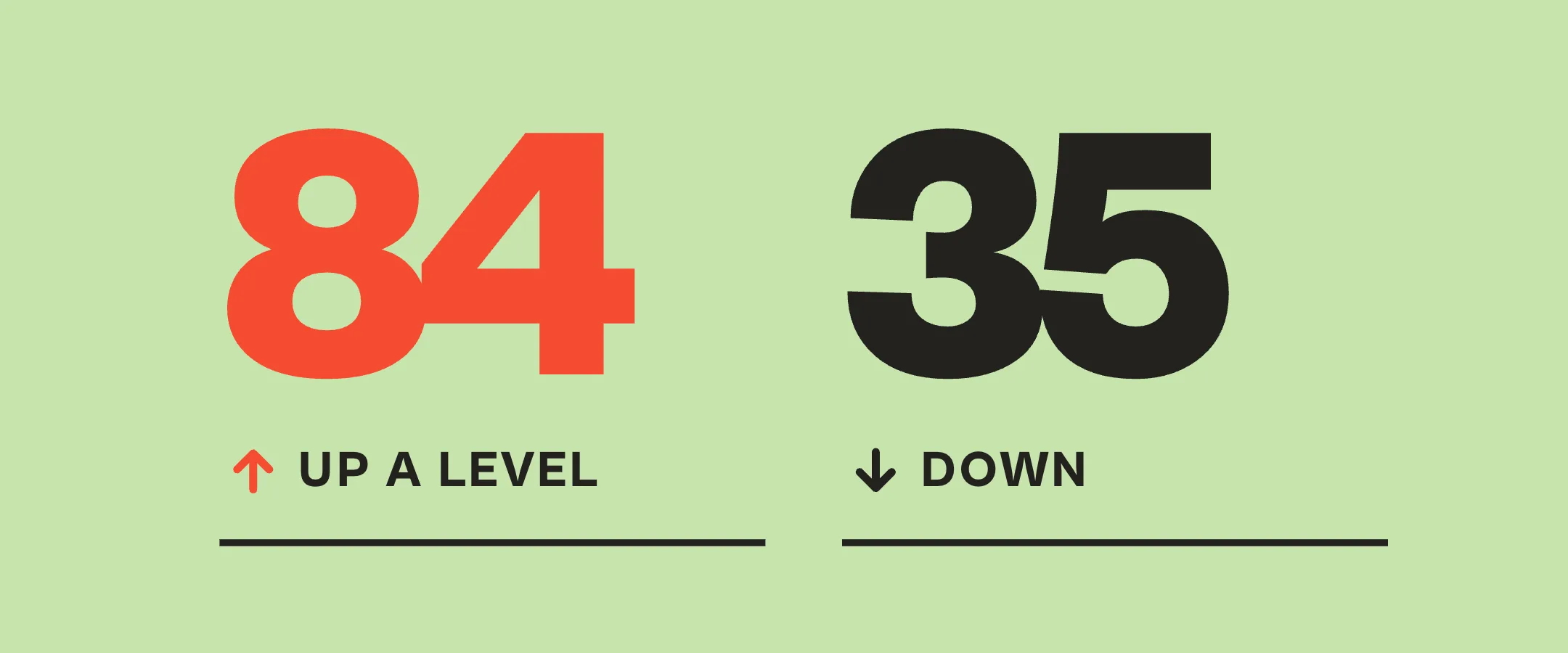
If you run Claude jobs, you choose Haiku, Sonnet or Opus for each one. Jev is a model from TypeSafe that suggests the choice, and we let it watch 396 of our jobs for a week: it picked the same model as us 70 percent of the time, a bigger one 84 times and a smaller one 35 times.
My read: if you try a model router to save money, let it watch first and check what it recommends before you hand it the budget.
What Jev is
What Jev is
Jev is TypeSafe's flagship model and, in TypeSafe's words, the first System One model. It does not write text. You send it a state and a typed question, and it returns a structured answer. TypeSafe introduced Jev on 15 September 2026.
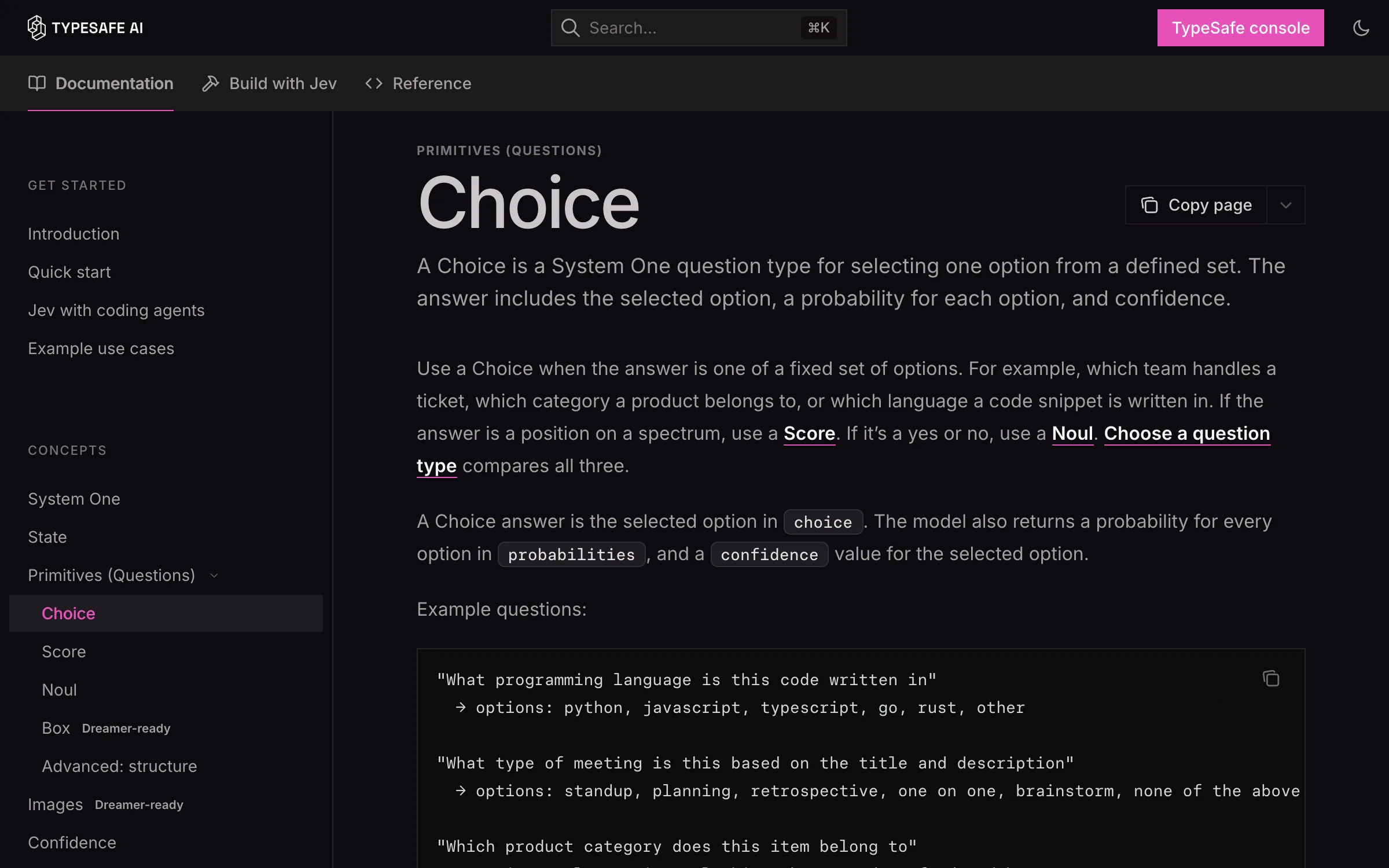
For a Choice question the answer holds the choice, the probabilities and a confidence. Our question was always the same: which Claude model should do this job, Haiku, Sonnet or Opus? Jev picks one and says how sure it is. Of those three, Haiku is the cheapest and Opus the most expensive.
- Price, from TypeSafe's launch post: USD 0.042 per million input tokens. Output is listed as free, "too cheap to meter".
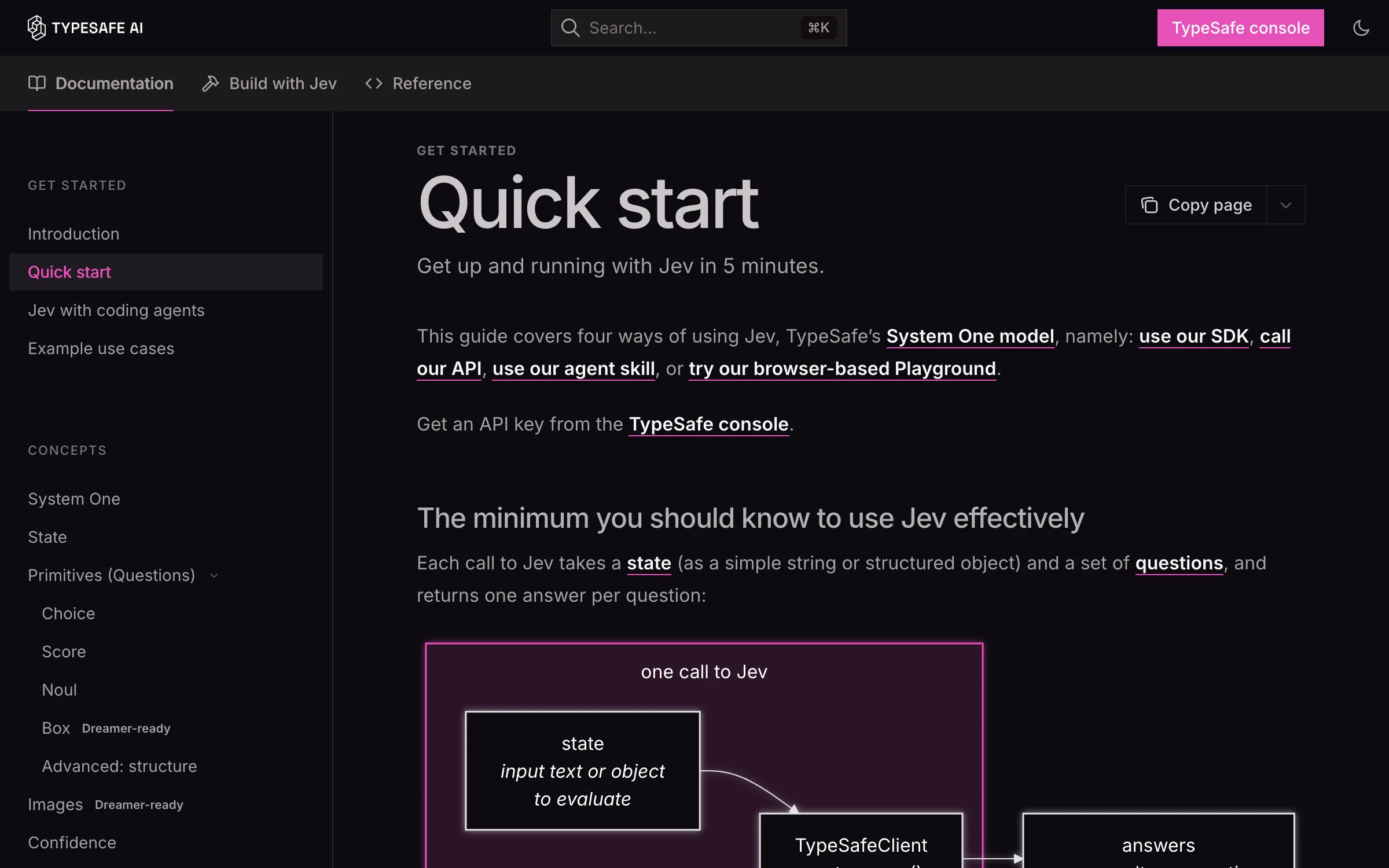
- Access: an API key from the TypeSafe console, as the Quick Start describes. We have our own key, for our pipeline's triage.
- The 396 decisions of our test week ran through OpenRouter, from a Claude Code hook. OpenRouter's guide for Jev lists the model ids and the decisions endpoint.
Sources: TypeSafe docs, Introduction, TypeSafe docs, Choice, TypeSafe, Introducing System One models and Jev, Anthropic, pricing (checked 19 October 2026), and OpenRouter, Jev guide
What we ran
What we ran
From 8 to 14 October we gave Jev the brief of every Claude subagent job and asked which model should do it. It only suggested. Our own pick still ran, which is why we call it shadow mode.
Seventy percent agreement is two AIs nodding at each other. The disagreements are the interesting part.
| What we measured | Result |
|---|---|
| Period | 8 to 14 October 2026, 7 days |
| Jobs | 396 Claude subagent jobs |
| Same model as our pick | 277 of 396, 70 percent |
| A bigger model than ours | 84 |
| A smaller model than ours | 35 |
| Disagreements under 60 percent confidence | 90 of 119 |
| Cost of all 396 Jev decisions | USD 0.02 |
| Median time per decision | 376 ms |
Jev 1.13, subagent calls, from our own routing log; every row is in the CSV. Bigger and smaller mean a more or less expensive Claude model than the one we ran. Dates in the CSV are UTC.
Sources: Our data, every decision of the week (CSV), Our data, the summary counts (CSV), and Our reel, where each number is on screen (YouTube Short)
What this does not tell you
What this does not tell you
Agreement means the same model as ours. It does not mean the right one. We have not checked yet whose picks would have produced better work. Jev may have spotted jobs we were underestimating, or it may have overspent.
Following all its suggestions would have made our runs more expensive: it went up a level 84 times and down 35. Most of those disagreements came with a confidence under 60 percent. Basically: have you considered spending more? Also, maybe.
It was one week of our jobs with one version, Jev 1.13. Jev 1.14 came out soon after, and our routing has used it since 15 October.
Sources: TypeSafe docs, Choice (what confidence is) and Our reel (YouTube Short)
Try it
Try it
Jev is an API with a browser Playground. The Playground needs a login, and the Quick Start covers the API and the SDK. Our setup had the same shape: the job brief as the state, one Choice question, three options.
- How it worksThe Playground
Paste a state, add questions and read the answers in the browser, no code. TypeSafe's docs say you log in first.
Our screenshot of TypeSafe's docs - Open the Quick StartTypeSafe Quick Start
Create a key in the console, send a state and a question, get a choice and its confidence back.
Our screenshot of TypeSafe's docs - Open the docsThe Choice question
The question type we used: a list of options in, one choice, its probabilities and a confidence out.
Our screenshot of TypeSafe's docs
Yes, that's my AI avatar in the video. Same opinions, better lighting.