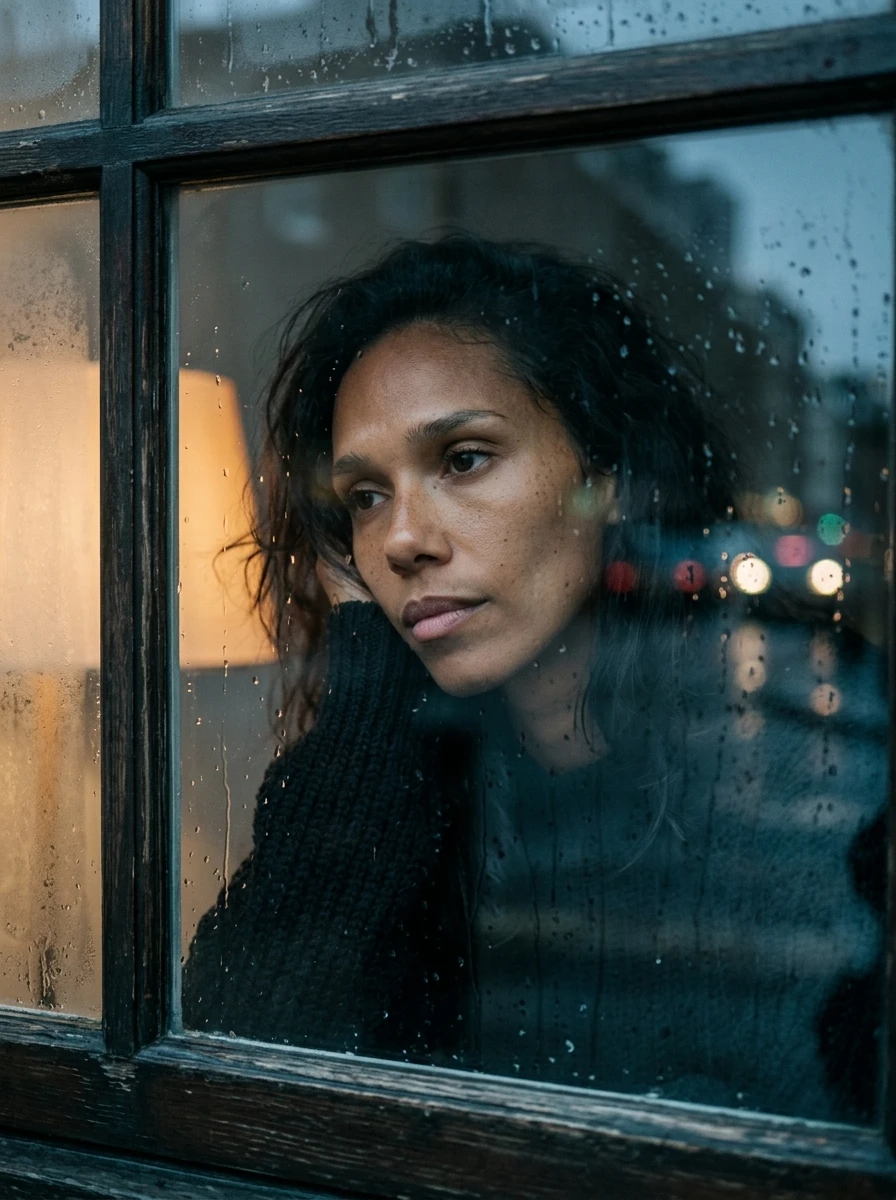
Six starting points.
Direct flashSoft daylightHard sunlightClean studioDark & dramaticColoured light
Each look shows people, products and cars, with guidance on what to ask for and what to watch.

A creative partner. In a folder.
Give every shot a reason to be there. The skill helps you agree on a brief, work with references and keep the series together as you generate and correct it.
Free with the weekly Club newsletter.
Already on the list? Use your personal access link.
Choose
your look.
Six lighting looks across
people, products and cars.
Then give each shot a job.
Framing / Viewpoint / Composition
A map of the skill and its supporting files. Final showcase images still to be selected.
Included with the newsletter
Join the newsletter for the complete Images skill and access to the Club’s member resources. Your personal access link brings you back to the files.
Already on the list? Use your personal access link from the Club.
Free to join. No separate paid membership.
The point
A good frame is a start. A series needs to belong together.
This skill helps you decide what stays fixed, what can change and what each shot is there to do. You approve the direction and keep the final call.
The workflow / Six decisions
The skill guides the conversation from a rough idea to a set you’ve checked. You decide when it’s ready to move on.
Agree what the images are for, who or what belongs in them and the shape of the final set.
Choose a lighting look or bring a reference. Agree the setting, mood and details that must stay fixed.
Separate identity from wardrobe, light, setting and composition. Keep the original images to return to.
Decide what each shot reveals. Vary framing, viewpoint or action with a reason for the change.
Review the prompt and references. Generate an image, inspect it and approve it before moving to the next.
Correct a specific problem. If edits keep drifting, rebuild from the clean references with the fixes combined.
Inside the visual guide
The PDF goes beyond choosing a look. It helps you decide how much to show, where to put the camera and where the eye should land.
Each look shows people, products and cars, with guidance on what to ask for and what to watch.
Show the place, make the subject readable or reveal a detail. Each frame earns its place in the set.
Choose an angle for what it reveals. Check what gets hidden or distorted along the way.
Place the subject for the final format. A portrait and a banner need different decisions before the crop.
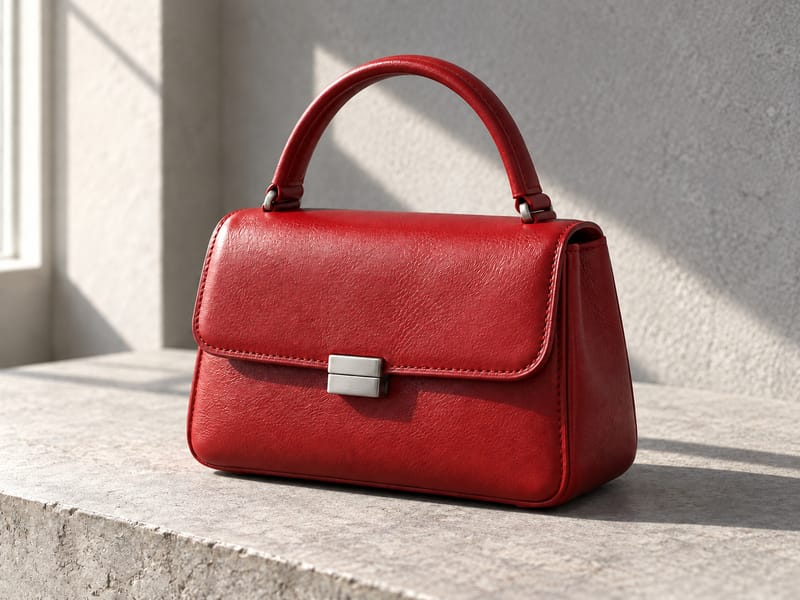
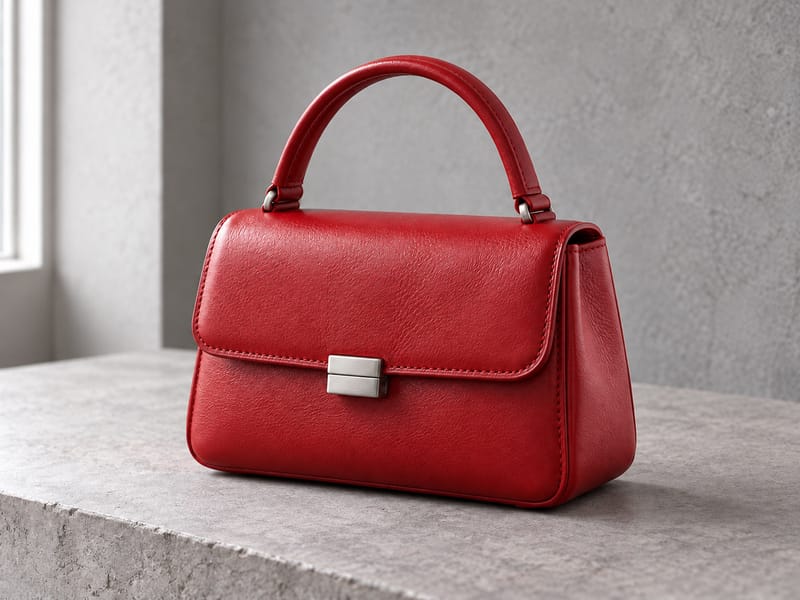
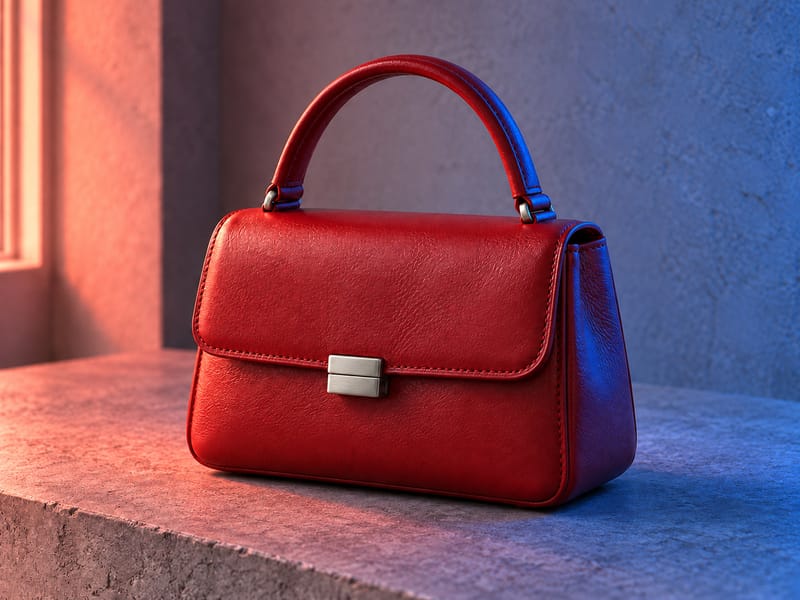
Existing AI-generated teaching examples. These are not the final showcase selection for this page.
Open the folder
The method, the visual guide and the notes that keep the shoot pointed in one direction.
One instruction file / Markdown
Work from an agreed brief and reference set to plan purposeful shots, then inspect each result.
Visual guide / PDF
A 15-page guide: six lighting looks across 18 images, followed by framing, viewpoint and composition. A visual starting point for decisions you can explain.
Reference notes / Markdown
Framing, viewpoint, composition and series rhythm. Practical checks for what each image adds, how it fits the format and what needs correcting.
18 images / JPEG
The 18 individual guide images. Use them to describe a look; your subject and composition still come from your brief.
Notices / Markdown
The accompanying third-party notices travel with the skill. Review them before redistributing any files.
This is the contents preview. The complete files and getting-started guide are included when you join.
Before you start
An assistant that can read the instructions and your reference images. Your image-generation tool still needs to be connected or used separately.
A product, a person, a rough idea. Use images you can work with and say what each reference is meant to preserve.
Allow time for corrections and budget for your image tool’s costs; generation credits are separate from the skill.
Your first series
The member guide walks through the handoff and gives you a starting message to make your own.
The useful small print
The skill guides the work. It does not install an image tool or guarantee perfect identity, lettering or product detail.
Keep approved originals. Check faces, construction and anything the picture claims to show. A convincing image is not proof.
Want a smaller first shot?
Five portrait prompts with the exact settings and actual results.
Explore the portrait prompts