







A creative partner. With a process.
A starter prompt guides your AI chat through the brief, references, shot planning and corrections. One useful decision at a time.
That idea in your head. That look in your saved folder. Let’s turn it into your own series.
A guided workflow and visual guide for making a coherent image series. Install the skill in a supported AI tool, or use the copy-and-paste route.
Founding membership · $7 USD/month
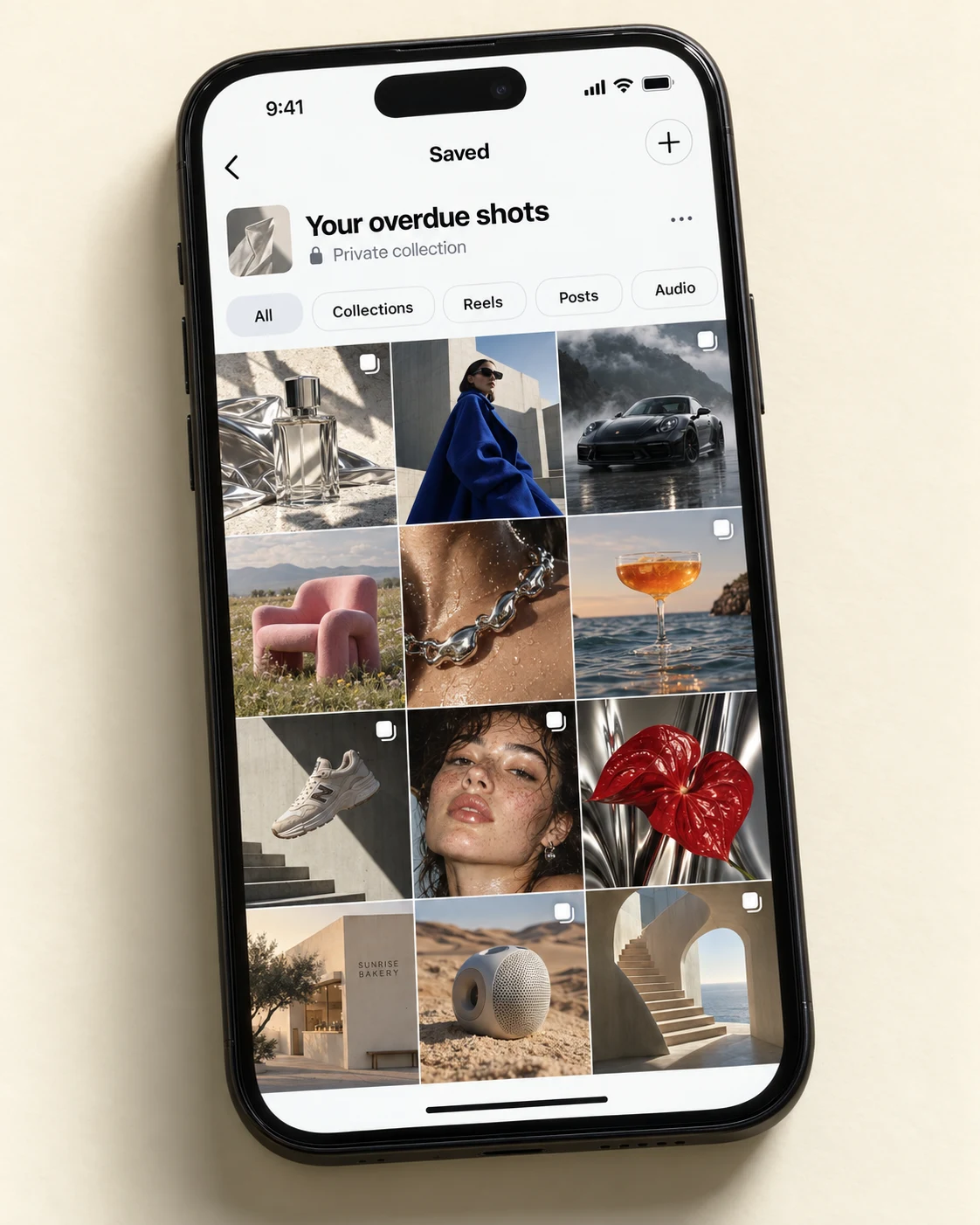
Every series below was made with Worth a Shot. Pick the one that caught your eye and explore what the workflow helped create.
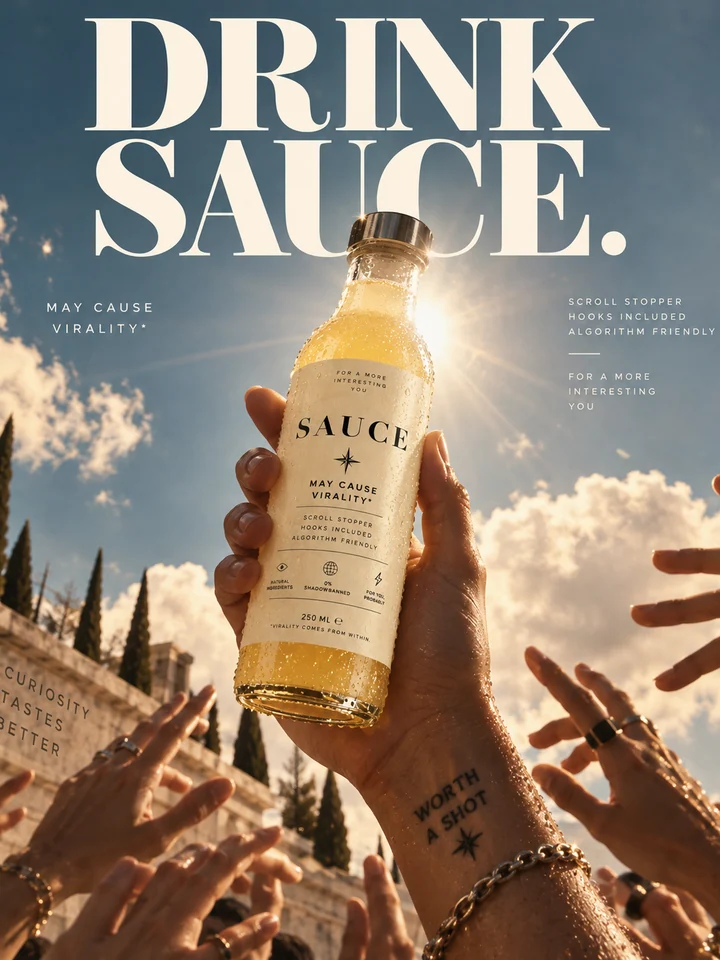
The idea, in short
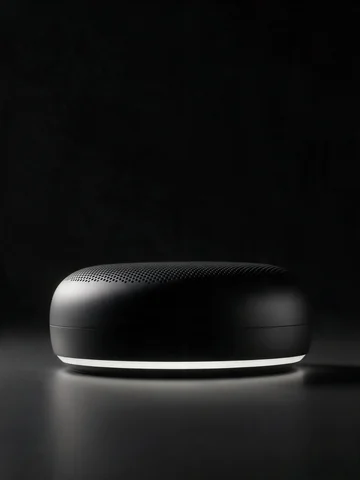
A satirical drink campaign for the chronically online. Sunlight, spectacle and a bottle worth looking at.
Fictional product campaign. The playful virality claims belong to the artwork, not to our product promise.
The image series were made using Worth a Shot.
Your saved folder is your starting point.
Join the ClubA beginner’s take
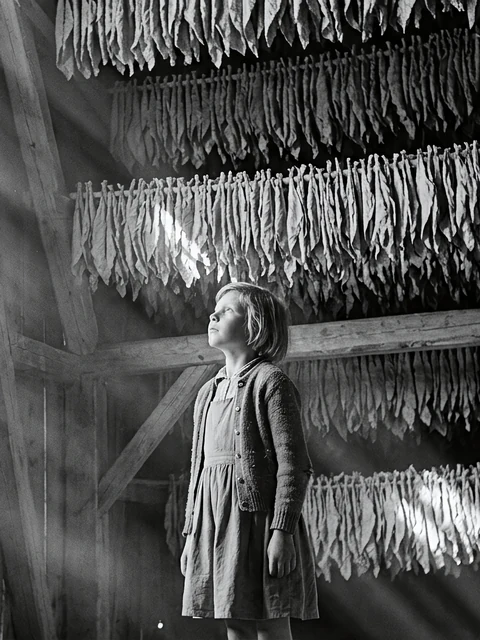
A five-image story, made using Worth a Shot in Gemini by someone who had never created AI images before.
A field. A family. A quiet moment in a barn. One visual direction, five different and coherent frames.
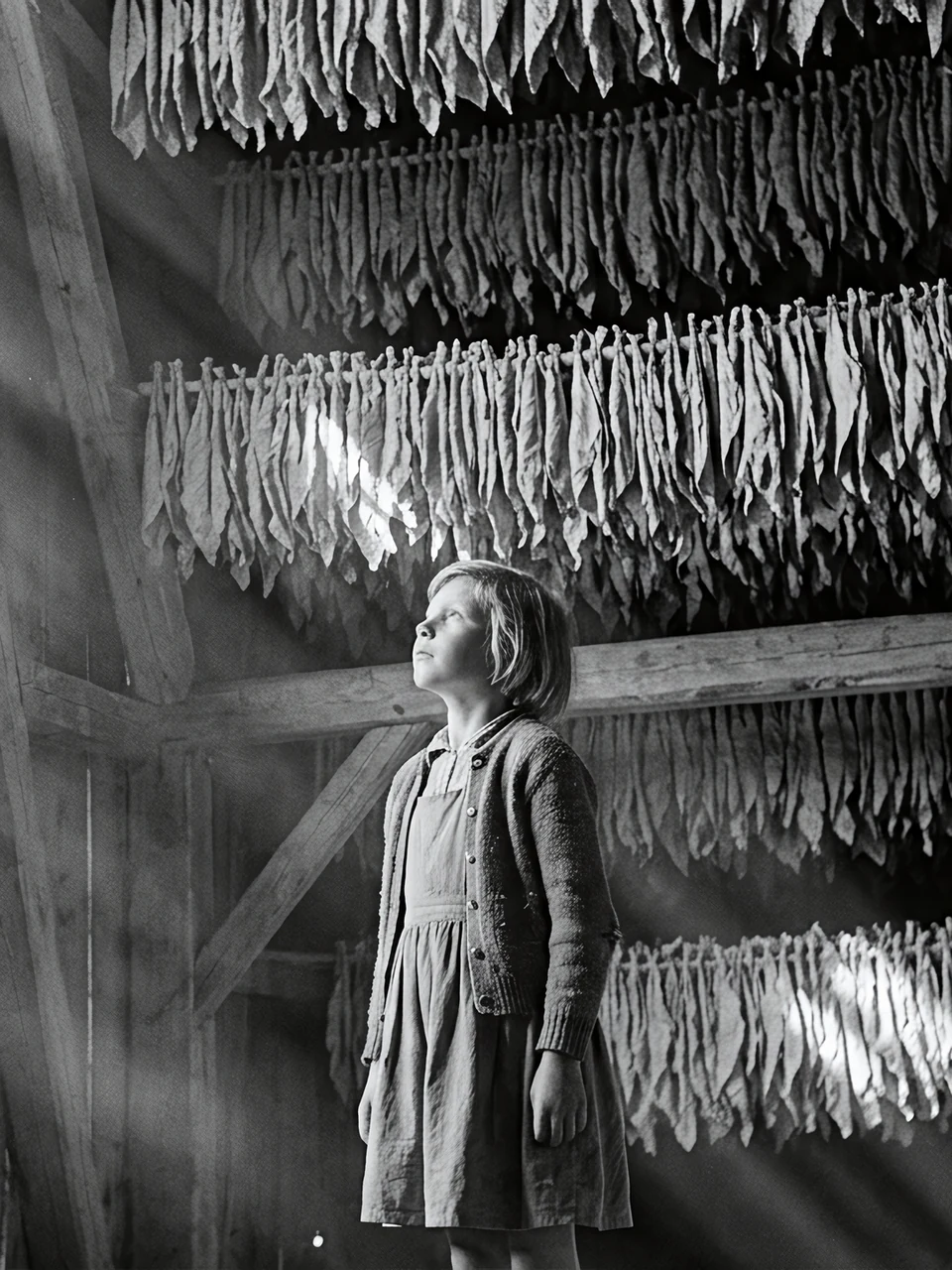
AI-generated personal project. Created during an early product test.
Not sure what to ask for, which image to use as a reference, or why the next shot looks different? This is where we start.
Your starting point
Help me turn an idea or reference into an original, coherent image series.
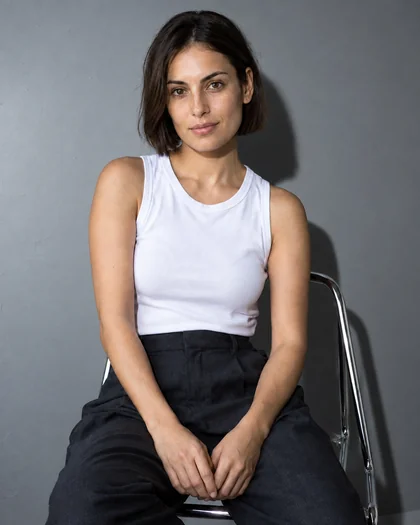
Like a creative director in your AI chat.
Helping you shape the idea, choose the look and plan each shot.
A starter prompt guides your AI chat through the brief, references, shot planning and corrections. One useful decision at a time.
A visual guide with 18 lighting examples across people, products and cars, plus a compact way to choose framing, viewpoint and composition. Point to what feels right, even if you don’t know what it’s called.
The workflow helps you finish with an approved brief, references, shot plan and reusable prompts. You can ask why, or just take the next step.

The person behind the process
Hi, I’m Valentin. Photography has been my hobby for around 20 years. I’ve spent my working life building startup operations and repeatable workflows, and I’ve experimented with AI image tools since their early days.
Worth a Shot brings those things together: a way to choose a direction, plan distinct shots, and refine what comes back. I use the process on our own work, and I join the discussions inside the Club as members make theirs.
Join the Club · Founding membership
$7 USD / month
About the price of a coffee a month.
A place to take your first shot.
Tools to start creating. A private club to share your shots, ask questions and keep going.
Your tools. Your people.
Hosted on Skool. Your AI subscriptions and image-generation credits are separate. Billing is in USD; applicable taxes are shown at Skool checkout.
Founding members keep $7/month for the core Club while subscribed. Future premium offers are separate. Keep your downloaded files if you cancel; Club access ends after your paid period.
“A bit more like this” is a perfectly good start.
Explore the lighting examples from the guide.
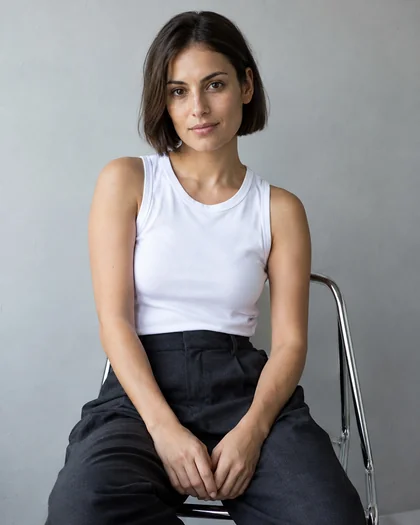

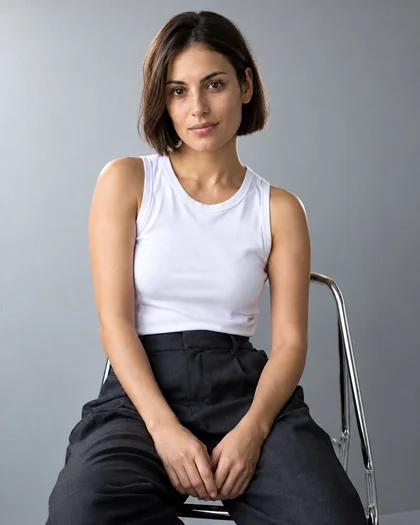
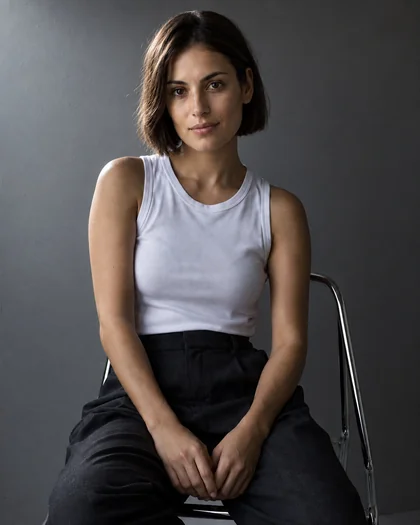
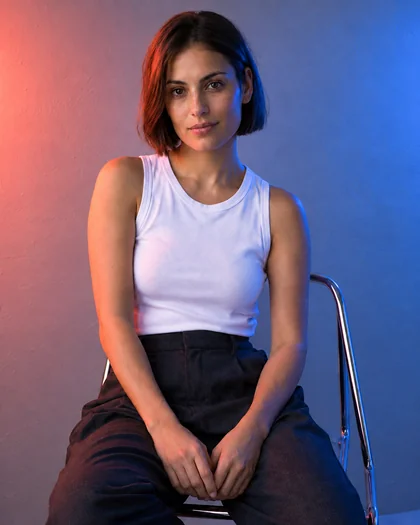
Choose a starting look, bring your own reference, or ask for help. You’re not limited to these six.
Found a look you’d like to try?
Join the ClubThe decisions happen before the whole shoot. And you get a say at every step.
Start with an idea, a reference, or no clue. Decide what you’re making and how it should feel.
Choose actual references for the subjects and look. Make the important details explicit.
Plan the angles, framing and purpose. A series, not the same picture four times.
Work on one image at a time. Keep what works, fix what doesn’t, and save the prompts.
A repeatable process, not a promise of identical pixels. Generations still need your judgment.
Yes. The value here is a ready-to-use process for what to ask next: clarify the idea, approve the references, plan different shots, then check the results. The visual guide helps you make choices without learning the vocabulary first.
Use the skill where it works best.
Copy and paste where it doesn’t.
Your recommended route
For ChatGPT, Claude and Grok, add the supplied skill ZIP to your AI tool. It guides the conversation, keeps the process at hand and helps you plan one shot at a time.
Claude also needs a connected image creator. Magnific has worked in a hands-on test; the image service and its credits are separate.
For Gemini, use the supplied copy-and-paste workflow. You may need to switch between chat and image generation.Use the tested skill route where available, or start with the portable prompt.
Add your references and the visual guide. The workflow helps you choose the look and plan the series.
Review it, correct what matters and carry the approved direction into the next frame.
You’ll need: access to a suitable AI chat and an image-generation tool. For subject continuity, choose a tool that accepts reference images. Subscriptions and generation credits are separate. Results and available controls vary by tool.
Native skill
Full image-series test completedCopy + paste
Copy-and-paste route; ordinary chat works best.Native skill + image tool
Full test completed with a Magnific image creator.Native skill
Skill route tested; Grok image quality varies.Tested routes, not a guarantee of identical results across models. Worth a Shot is independent of these providers.
No. It’s a guided workflow and visual reference guide for the AI tools you use. You’re getting help with creative decisions and instructions, not a new image subscription.
No prior experience is required. The guide shows different looks, and the workflow explains the decisions as you go. You choose what you like; the process helps you describe and develop it.
Use the skill with ChatGPT, Claude or Grok. Claude also needs a connected image creator. For Gemini, use the supplied copy-and-paste workflow; you may need to switch between chat and image generation. Image quality and controls vary by tool.
No. These six series were made using Worth a Shot and show different directions you can explore. Your references, choices and image tool shape your output. The goal is your own coherent series, not an identical copy. Layout, titles and finishing shown in the gallery are separate from the image workflow.
Your Club access ends after your paid period. Files you downloaded remain yours to use. Founding members keep the $7/month rate for the core Club while subscribed; future optional premium offers are separate.
That saved folder has waited long enough.
Bring an idea into the Club. Make your first image series with a process and other shot takers beside you.
Opens Worth a Shot Club on Skool.